On Report

For passenger-airline pilots and flight attendants

Your trip stays on your phone.

Your trip one day at a time, from your calendar or a schedule file. It never signs into your airline, and never asks for your airline username or password.

Free for now. The beta is on iPhone and iPad; the web shows an example. App Store and Google Play coming soon.

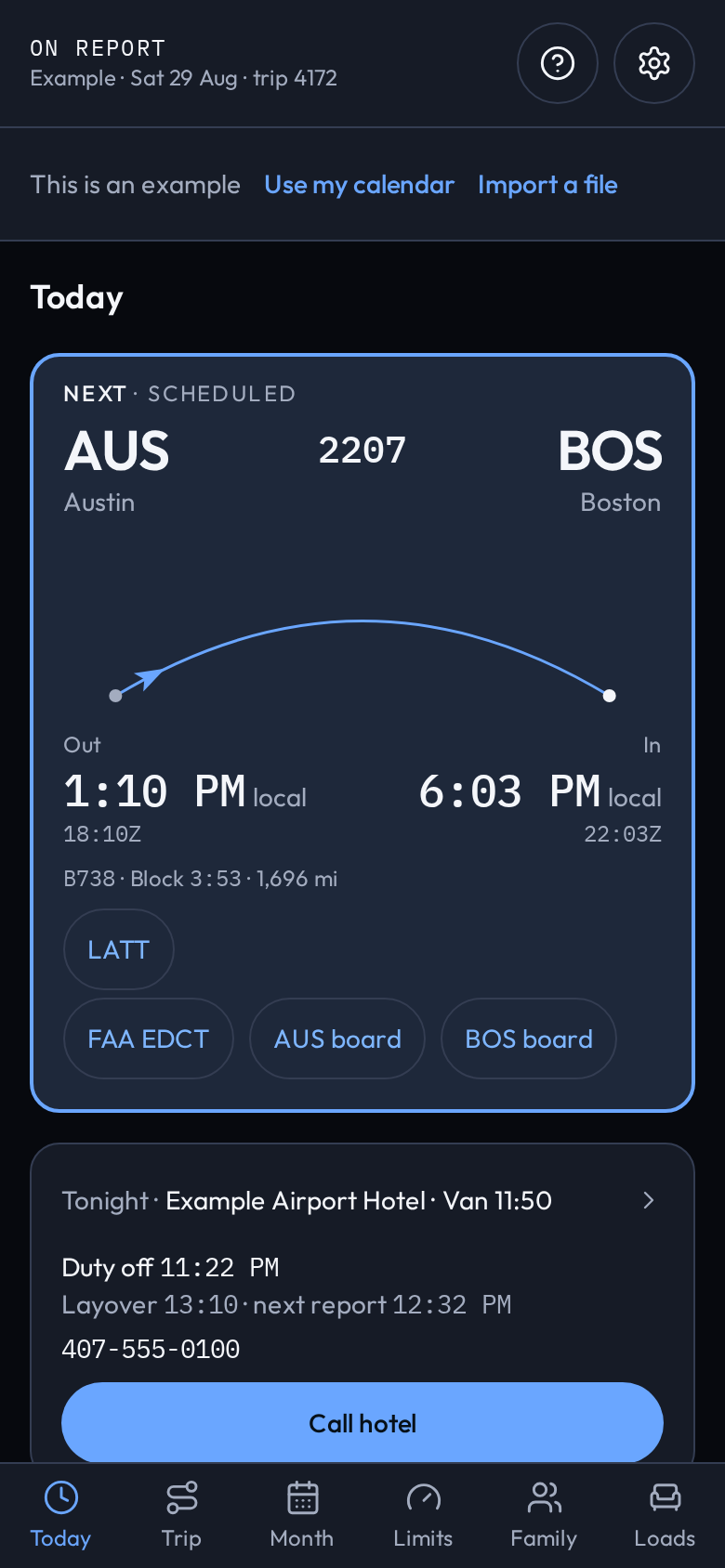
Today on On Report for example trip 4172: next scheduled flight 2207 from Austin (AUS) to Boston (BOS), out 1:10 PM local (18:10Z) and in 6:03 PM local (22:03Z), with LATT, FAA EDCT and board buttons, plus tonight’s Example Airport Hotel with van at 11:50. Labeled This is an example.
Today
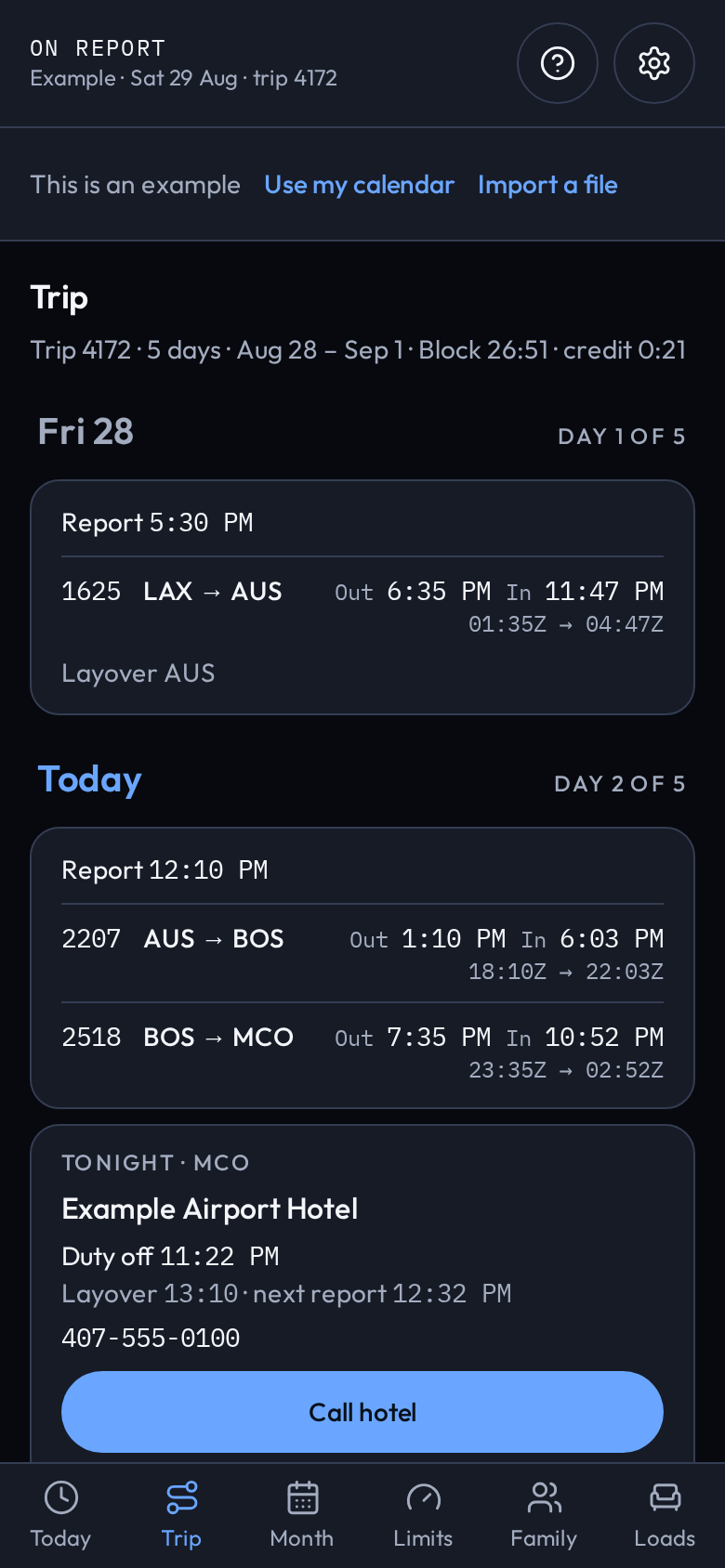
Trip on On Report for example trip 4172, a 5-day overview: Day 1, flight 1625 LAX to AUS; Day 2, flights 2207 AUS to BOS and 2518 BOS to MCO; and tonight’s Example Airport Hotel in MCO. Labeled This is an example.
Trip
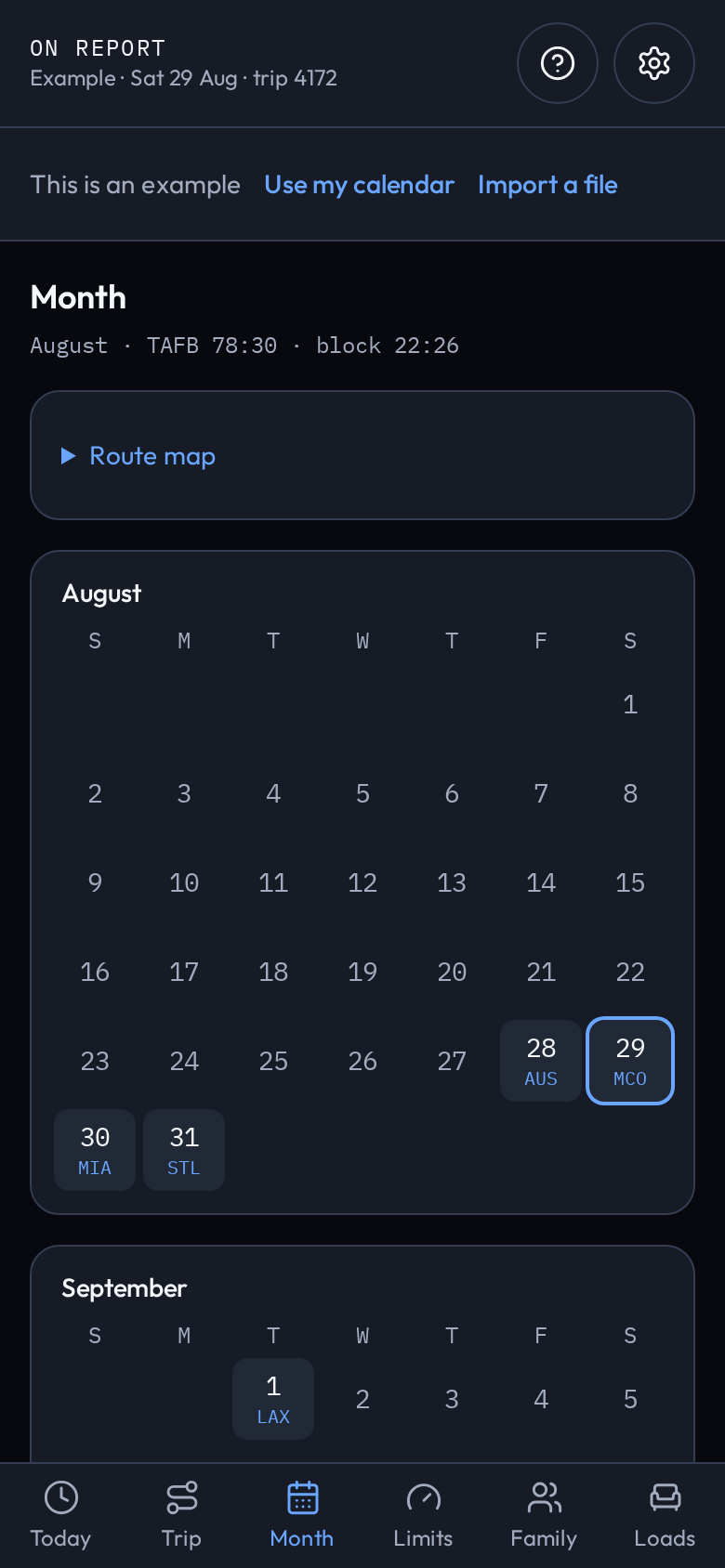
Month on On Report for example trip 4172: August and September calendars with work days marked AUS, MCO, MIA, STL and LAX, plus TAFB and block totals. Labeled This is an example.
Month
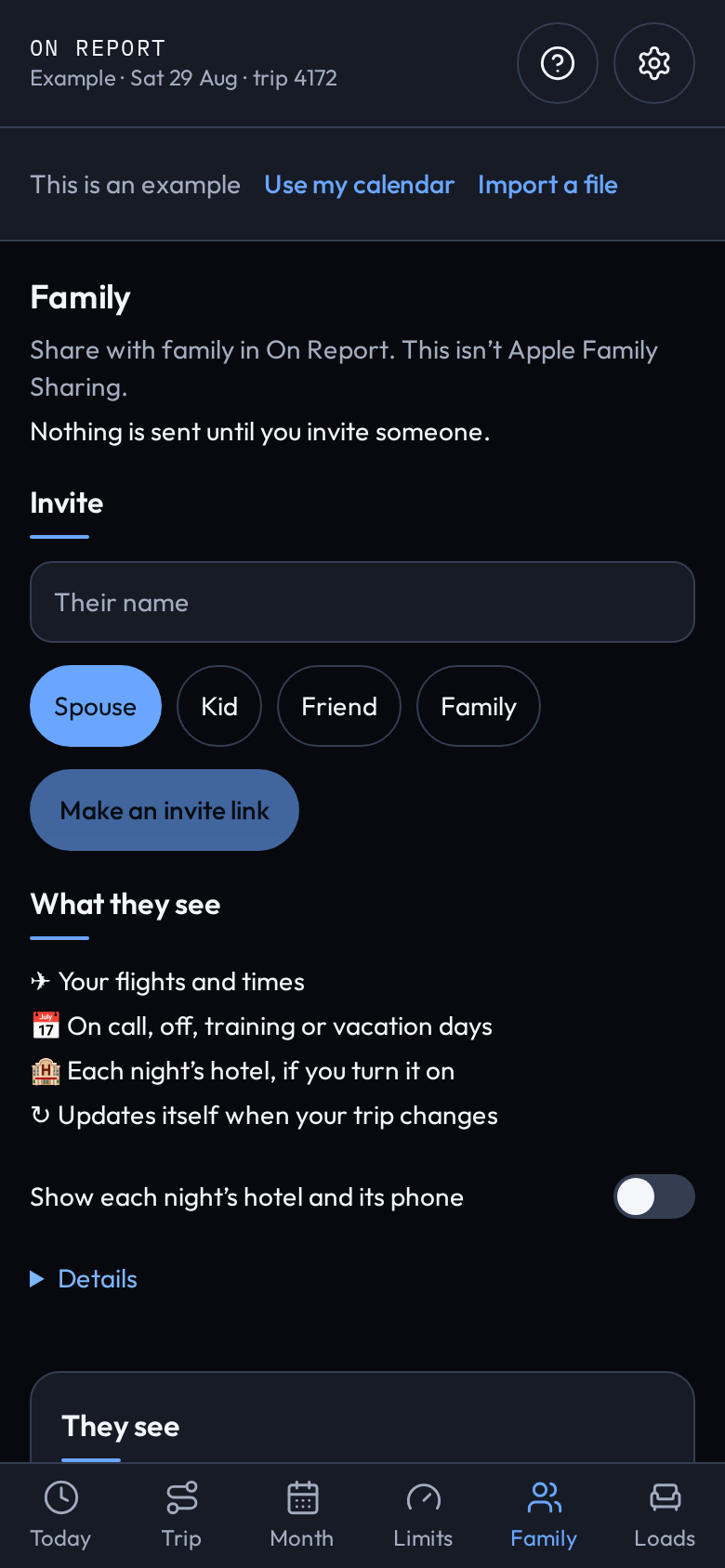
Family on On Report for example trip 4172: the Invite form with a name field, relationship chips, and Make an invite link, plus a What they see list that includes on call, off, training or vacation days, and a toggle for showing each night’s hotel. Labeled This is an example.
Family
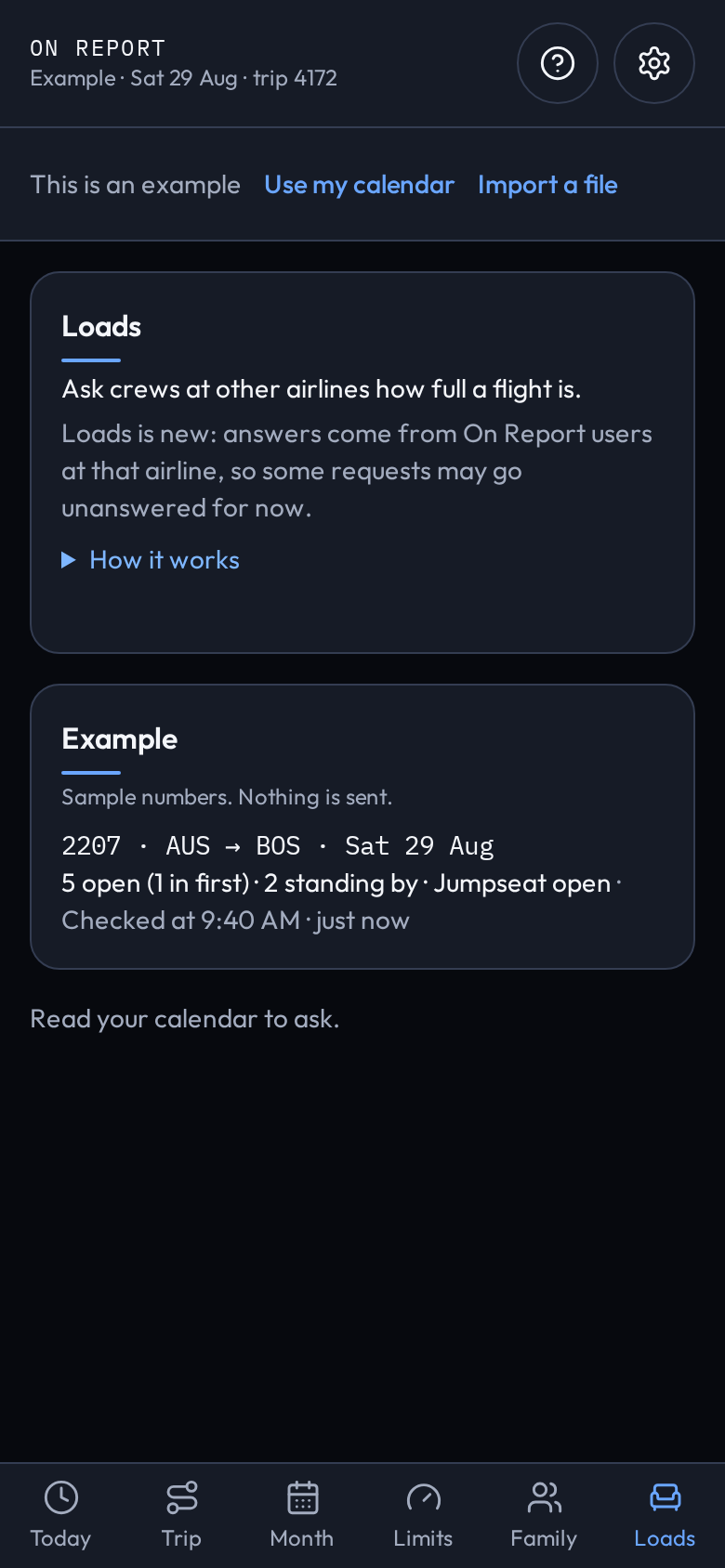
Loads on On Report for example trip 4172: the prompt to ask crews at other airlines how full a flight is, and an example answer for flight 2207 AUS to BOS on Sat 29 Aug with sample seat and jumpseat numbers. Labeled This is an example.
Loads

What it does

Today

Your next flight, the sit, and tonight’s hotel, with a countdown on your lock screen.
Trip

The pairing in progress, or the next one, day by day: report time as printed, each flight on one line, the layover city.

Month

The month from your calendar: work days, days off, reserve days. One tap opens a day on Today.

Family

Share your trip with family when you choose to: the flights, the cities and times, the hotel if you turn that on. Revoke it any time.

Loads

Ask crews at other airlines how full a flight is. Every number is typed by another On Report user.

Limits

For pilots: a Part 117 worksheet built from your flown legs, to check yourself. It is not a company release and not legal advice.

Which airlines

Delta reads fully today. United and American read too, and are still being tested with their first crew. FLICA airlines, Southwest and SkyWest are new and still being tested. For any other airline, On Report reads the flights its crew app puts in your calendar, or a schedule file you import.

Setup for your airline
  • Delta Reads fully · reads the calendar MiCrew syncs to your phone. Turn on Auto-Sync in MiCrew, then tap Read my calendar.
  • American Testing · reads the calendar file MobileCCI makes. Choose the file in Settings.
  • United Testing · turn on Calendar Syncing in CCS+, add that calendar to your phone, then tap Read my calendar.
  • Southwest Testing · turn on calendar sync in CrewHub, then tap Read my calendar.
  • FLICA airlines Testing · JetBlue, Frontier, Hawaiian, WestJet, WestJet Encore, Republic, Endeavor, Air Wisconsin, Jazz, Mesa, Piedmont and PSA. In FLICA Calendar, Export Schedule for each month and share the file to On Report. Export it again when it changes. Piedmont and PSA sign in on American’s page with the AA ID.
  • SkyWest, Envoy, Horizon and GoJet Testing · if your crew app puts your trips in the phone calendar, tap Read my calendar. Or choose an ICS, VCS or CSV schedule file in On Report.
  • Alaska and Allegiant Not tested yet · export the schedule from the company crew system as an ICS or CSV file and choose it in On Report.
  • Other airlines · on a phone, any crew app that puts your trips in the calendar is read there.
    On the web, or if it doesn’t read

    Web: an example trip only. Your own trip, Family and Loads are in the app. If your airline’s schedule doesn’t read, Settings makes a sample with private details removed so your airline can be added.

A web page cannot read a phone’s calendar; the iPhone and Android apps do. On Report is not affiliated with any airline, CAE or FLICA, and never asks for an airline password.

Privacy

Your trip stays on your phone.

What it costs

Free for now: Pro is free for everyone.

Planned US prices; not on sale yet. Family members never pay.

Try it on your iPhone

Free while it’s in beta. Your airline’s setup takes one step.